📄 SlideSpark PDF
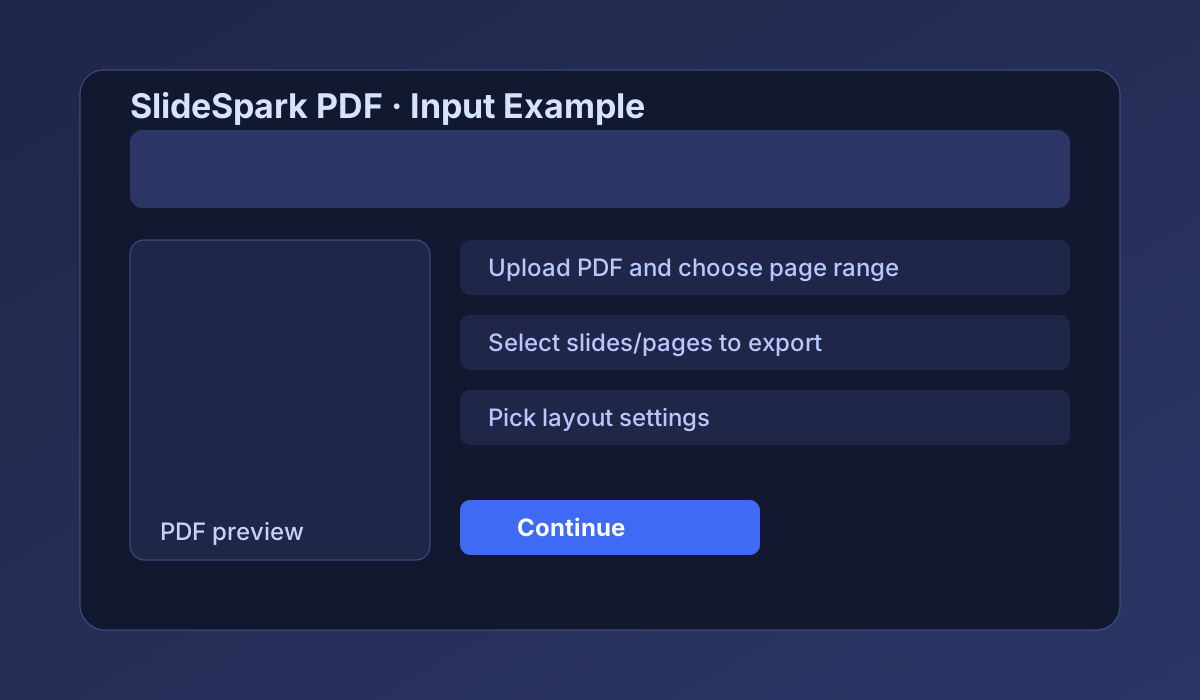
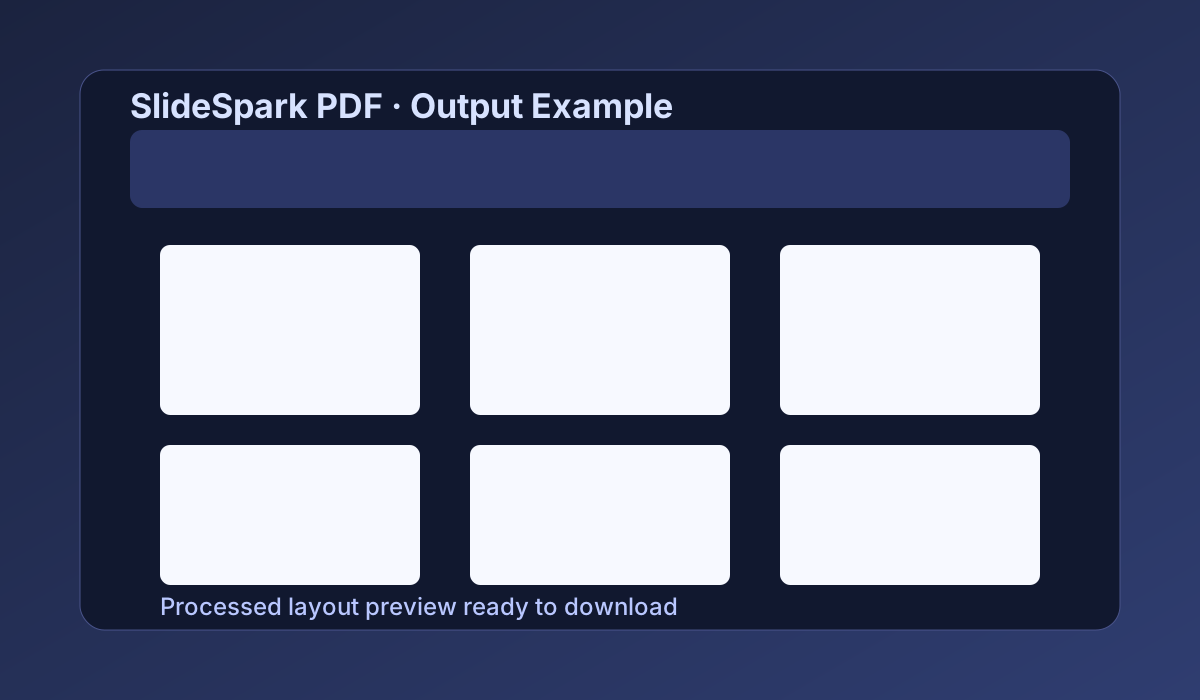
Upload slides/notes PDF, select specific pages, optionally convert dark backgrounds to white, then export a custom printable PDF layout.
Quick Process Showcase
Upload PDF → Select page range/slides → Choose layout settings → Process and download.
1) Upload File
Drag and drop file here, or choose from your PC.
PDF is processed directly. For PPT/PPTX, export to PDF first for best rendering in-browser.2) Select Pages/Slides
3) Export Settings
Layout Preview